A compact database UI
Use Adminer's focused interface for tables, data, SQL commands, import, and export without deploying its PHP file yourself.
Adminer in your browser
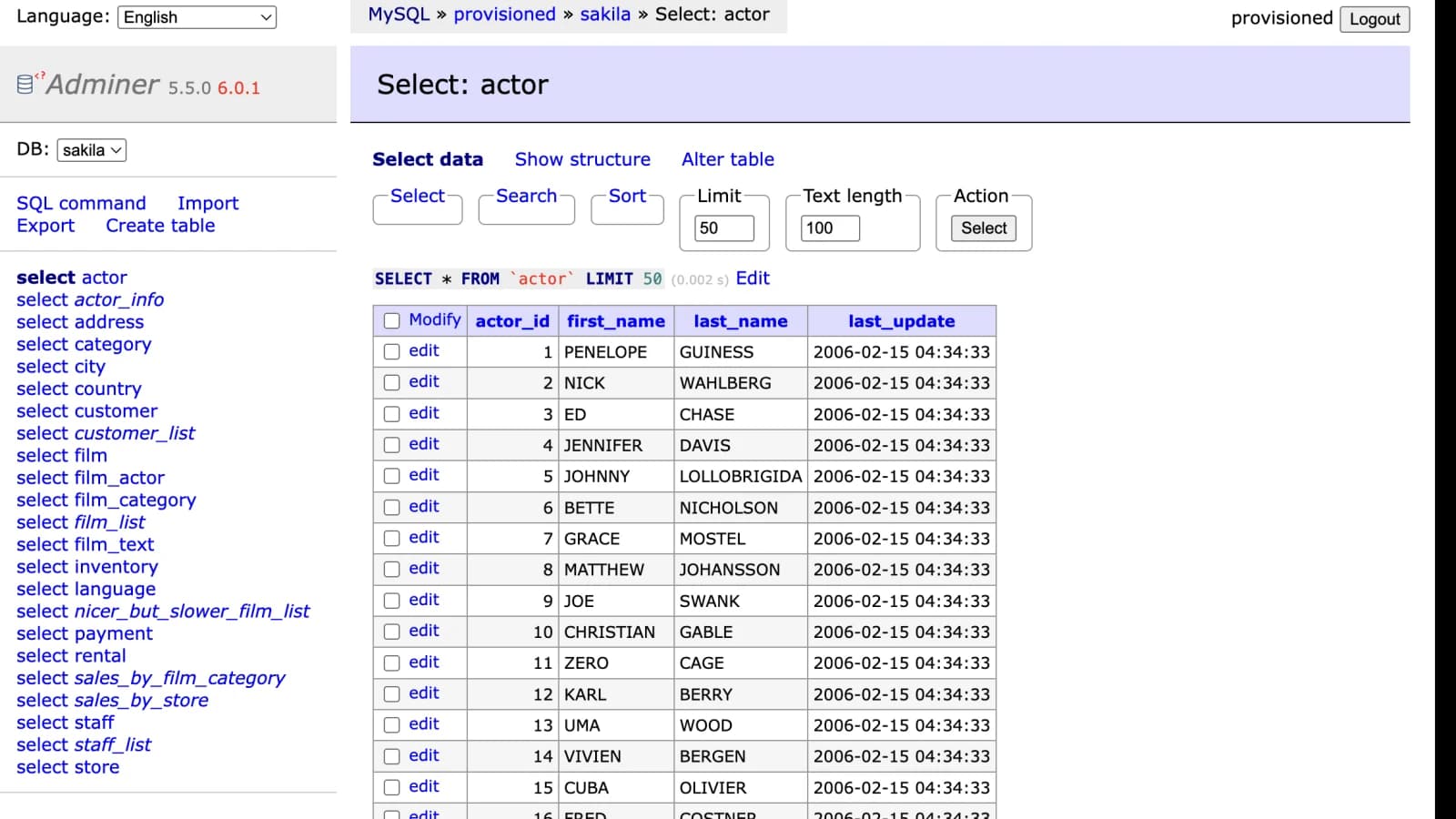
Launch the compact community Adminer database interface in a temporary isolated workload. Adminer shares the same submitted MySQL connection and random instance ID as phpMyAdmin, giving one lightweight launch two browser-based choices.
Where it fits
Use Adminer's focused interface for tables, data, SQL commands, import, and export without deploying its PHP file yourself.
Switch between Adminer and phpMyAdmin URLs backed by the same temporary workload and provisioned MySQL connection.
Reach an authorized MySQL server directly or through SSH when installing a persistent database panel would be unnecessary.
Know the limits
Adminer questions
No. mysql.odmin.biz creates the temporary Adminer workload and returns a private browser URL after the connection checks pass.
Yes. Select the phpMyAdmin and Adminer launch type once, and the result contains separate URLs for both interfaces in one workload.
Yes. The launcher can forward Adminer's MySQL connection through your SSH host, which is useful when shared hosting blocks direct remote MySQL access. It verifies the SSH route and database login before creating the instance.
No. Ordinary public instances are permanently bound server-side to the one verified connection submitted during launch.