A rich browser database UI
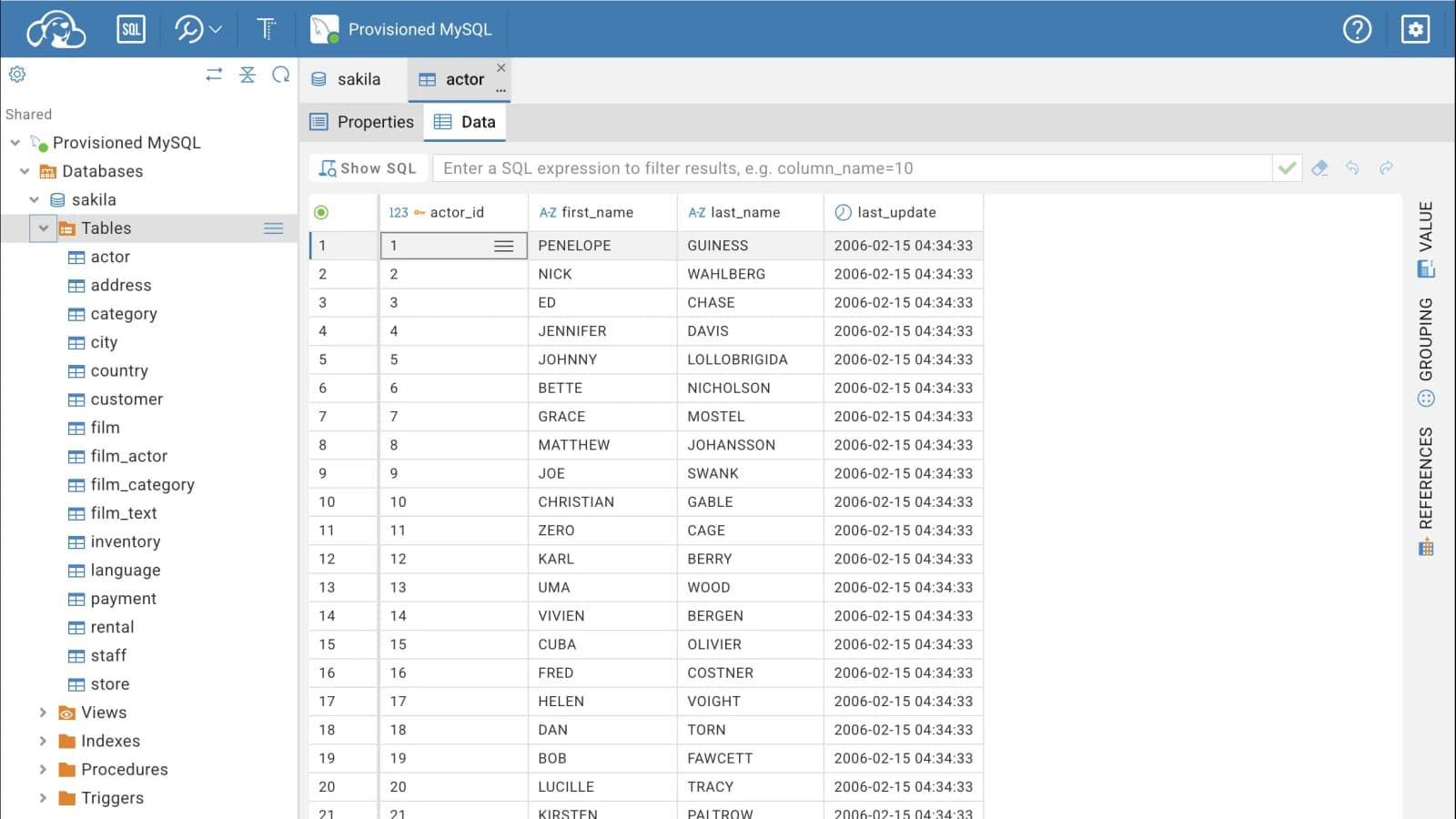
Use CloudBeaver's data editor, navigator, and query tools through a browser on a verified MySQL connection.
CloudBeaver in your browser
Start the open-source CloudBeaver browser interface with one preconfigured MySQL datasource. It is useful when you want a DBeaver-style web client for a short session without operating a persistent CloudBeaver server.
Where it fits
Use CloudBeaver's data editor, navigator, and query tools through a browser on a verified MySQL connection.
Choose the community web client when its workflow is more familiar than phpMyAdmin, Adminer, or DbGate.
Reach an authorized database for a bounded task without installing a desktop client or maintaining a long-lived web server.
Know the limits
CloudBeaver questions
Yes. This service provisions the community edition; the official project describes it as an Apache-2.0-licensed cloud database manager.
Yes. The instance starts with the submitted MySQL server as its fixed preconfigured datasource after the credentials are verified.
Do not rely on it. Workspace storage is ephemeral and is permanently lost on Pod replacement or instance deletion.