MySQL-specific workflows
Use supported GUI, MRS, and MDS functions with the provisioned session when a MySQL Shell-based interface is the right tool.
MySQL Shell GUI in your browser
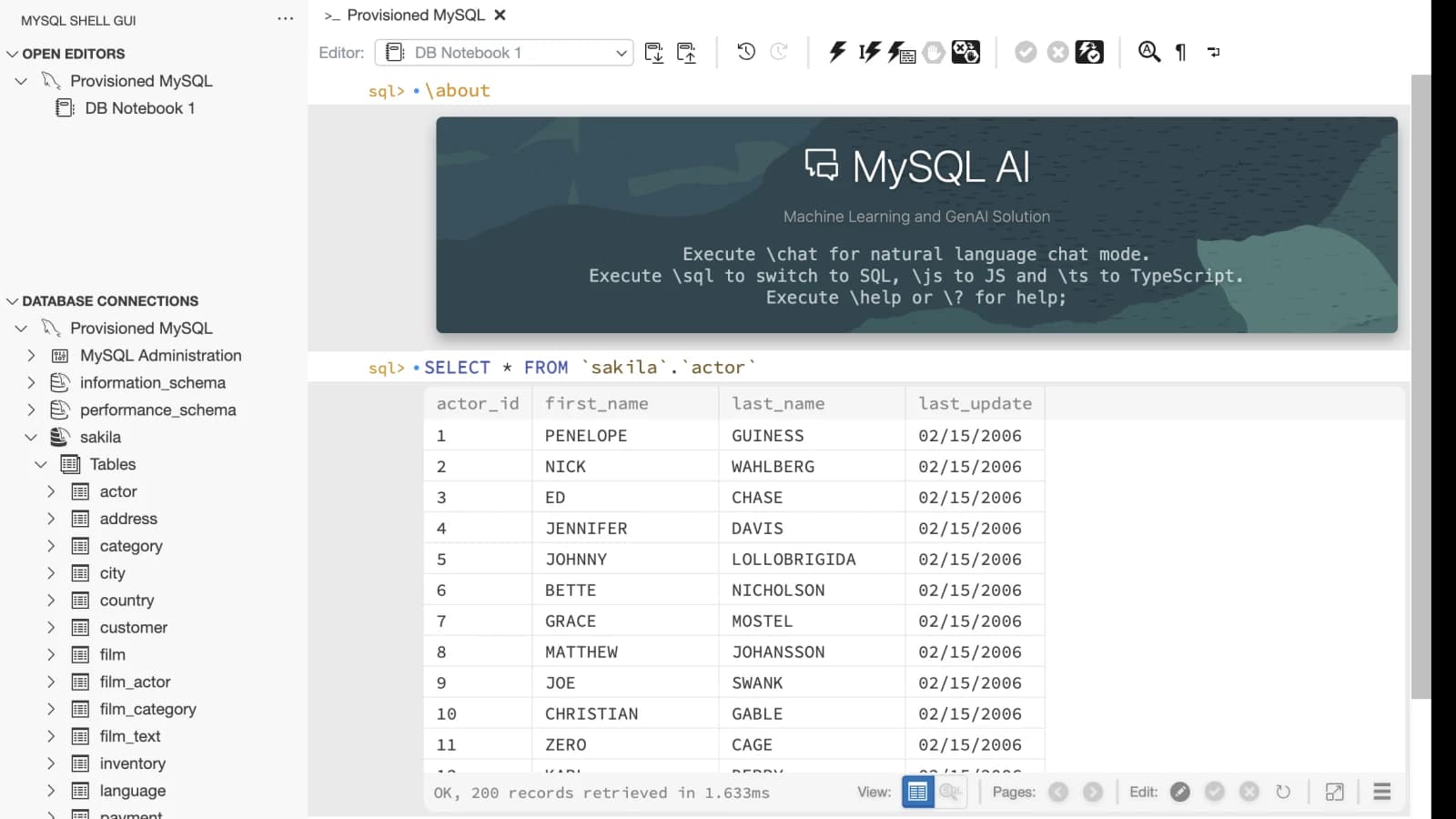
Launch a community GUI for MySQL Shell with a fixed, Secret-backed profile. The hardened public runtime exposes its supported graphical database workflows while blocking the programmable shell and alternate connection paths.
Where it fits
Use supported GUI, MRS, and MDS functions with the provisioned session when a MySQL Shell-based interface is the right tool.
Avoid installing the GUI and its runtime locally for a temporary connection to an authorized MySQL server.
The public image resolves database session opens against the exact server-managed profile allow-list and blocks raw shell and connection-management surfaces.
Know the limits
MySQL Shell GUI questions
No. The public service exposes a hardened graphical plugin runtime and deliberately blocks the programmable Shell console.
Yes. A non-root initializer prepares the verified encrypted key in memory and OpenSSH forwards only the submitted MySQL destination on loopback.
MySQL Shell GUI is an administrator-controlled opt-in public launch type. The tools hub remains informational when public creation is disabled.