A familiar MySQL control panel
Browse schemas, edit rows, run SQL, and import or export using the community phpMyAdmin interface many hosting users already know.
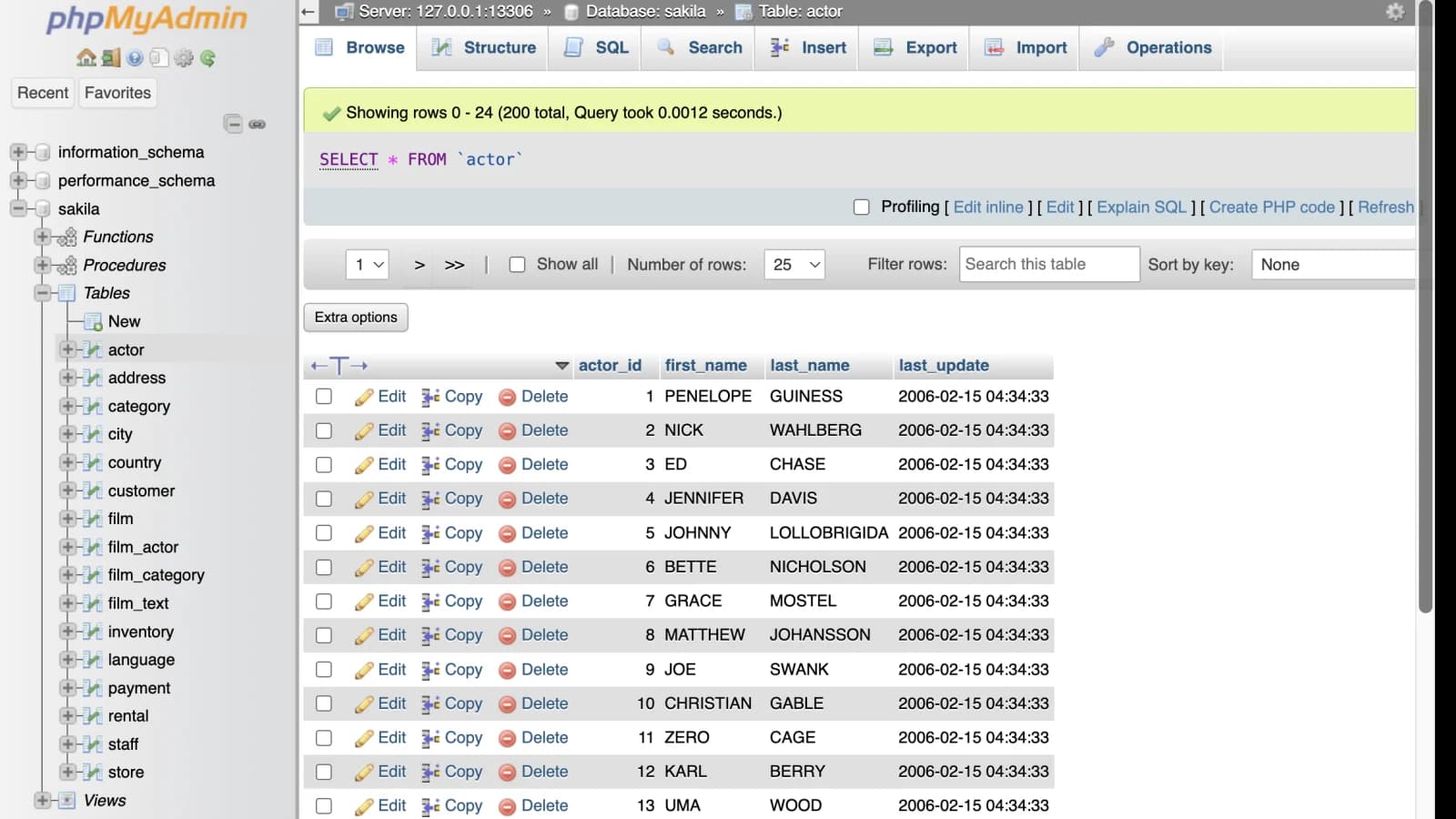
phpMyAdmin in your browser
Start a private, hosted phpMyAdmin interface already configured for the MySQL or MariaDB server you submit. The same lightweight instance also includes Adminer, so you can choose either web interface during the temporary session.
Where it fits
Browse schemas, edit rows, run SQL, and import or export using the community phpMyAdmin interface many hosting users already know.
Connect directly to an authorized remote server or forward the exact MySQL destination through a restricted SSH account.
Avoid installing PHP, a web server, Docker, or phpMyAdmin on your workstation or database host for a short administration task.
Know the limits
phpMyAdmin questions
The ordinary public service is currently free, subject to available capacity, with no account or payment. It has no uptime or retention commitment.
Yes, when that server accepts a connection from the service and the supplied MySQL account is valid. Use only databases you own or are authorized to administer.
Yes. Use the built-in SSH tunnel when your host does not allow direct remote MySQL connections, which is common with shared hosting. The launcher separately verifies the SSH forwarding route and the MySQL login before it creates the instance.